


Quick Access Option
Add our booking portal to your mobile home screen—no downloads required.
Add That’s Sew Austin Booking to Your Home Screen (No App)
Get one-tap access to our booking portal without downloading anything. Works great on Android and iPhone.
-
Open Chrome on your phone.
Go to thatssewaustin.as.me
Tap the three-dot menu (top right).
Select Add to Home screen.
Name it (e.g., “That’s Sew Austin Booking”) and tap Add.
-
Open Safari on your phone.
Go to thatssewaustin.as.me
Tap the Share button (bottom).
Choose Add to Home Screen.
Name it and tap Add.
-
Acuity’s web app works on any device—no app download needed.
Instant access from your home screen (clean, full-screen view).
Perfect if you don’t want (or can’t use) the standard Acuity app.
How to Redeem Your Membership Time Blocks
Purchase Your Membership
Choose the Membership plan that best fits your needs.Check out our Studio Memberships here.
Login or Sign up
Create an account or login with your existing account. (NOTE: If you try to reset your password and do not receive an email you may not have an account. If you do not login to your account, it will not track your bookings. The system will see you as a guest checking out.)Receive Your Code
After your membership purchase, you received a randomly generated CODE displayed on the confirmation page and emailed to you.Redeem Your Time Block
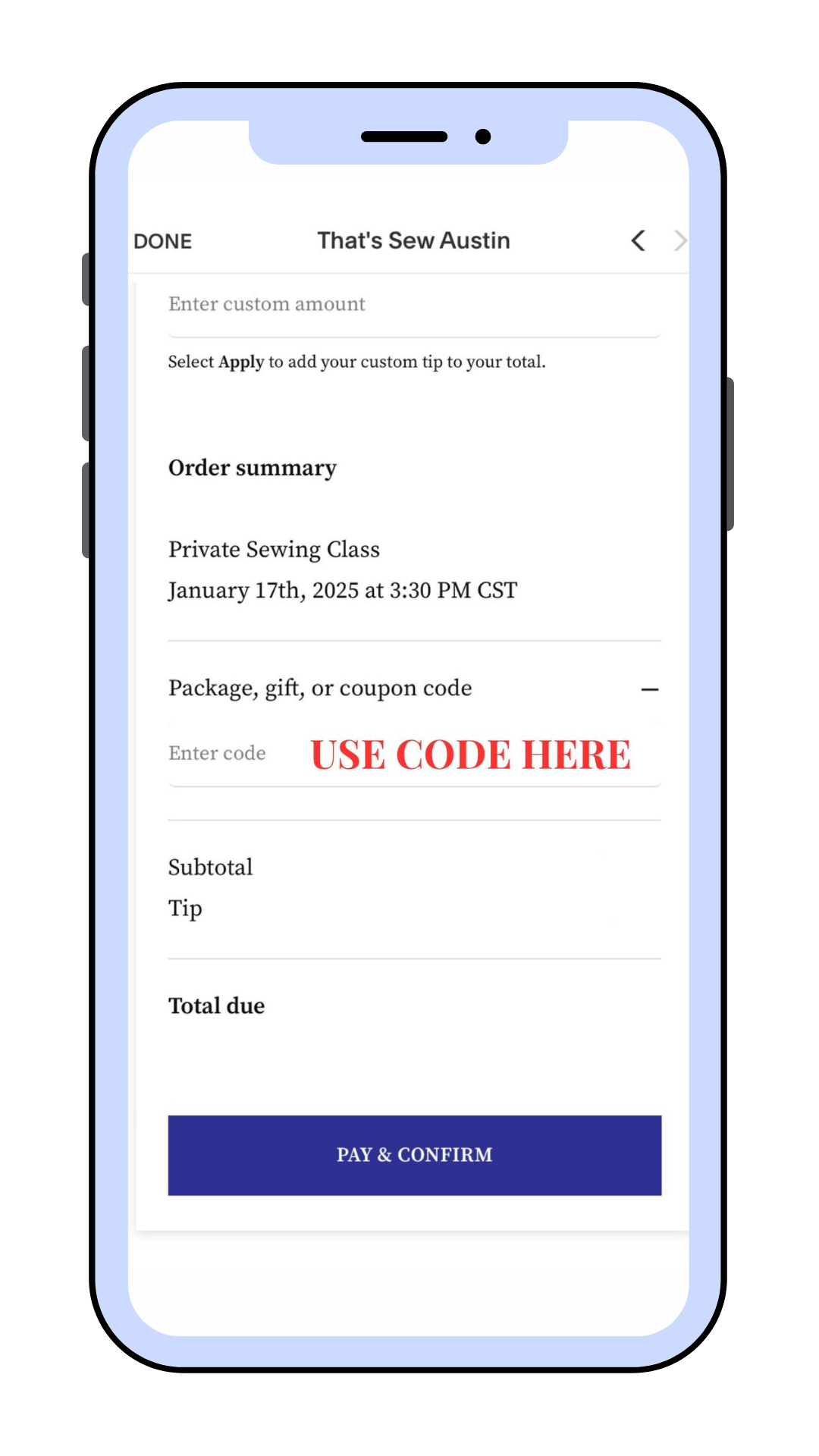
Use your CODE during checkout to book your time blocks and enjoy the flexibility of redeeming them immediately or over time. You must click APPLY for your code to remove the associated price. Please ensure that the code was applied and the balance is zeroed out, as we do not do traditional refunds. (see cancelation policy linked above)Tips
Although tipping is wonderful and greatly appreciated, it is not required.Track Your Membership
As you book, the time blocks you redeem will be deducted from your Membership balance. Use our booking portal to easily track and manage everything in one place.
Important for Subscription Members:
If you are a Subscription Member, remember to use your CODE when booking to redeem your time blocks!